Case Study

ERP Migration: Legacy JD Edwards to Oracle Cloud Infrastructure

in Retail
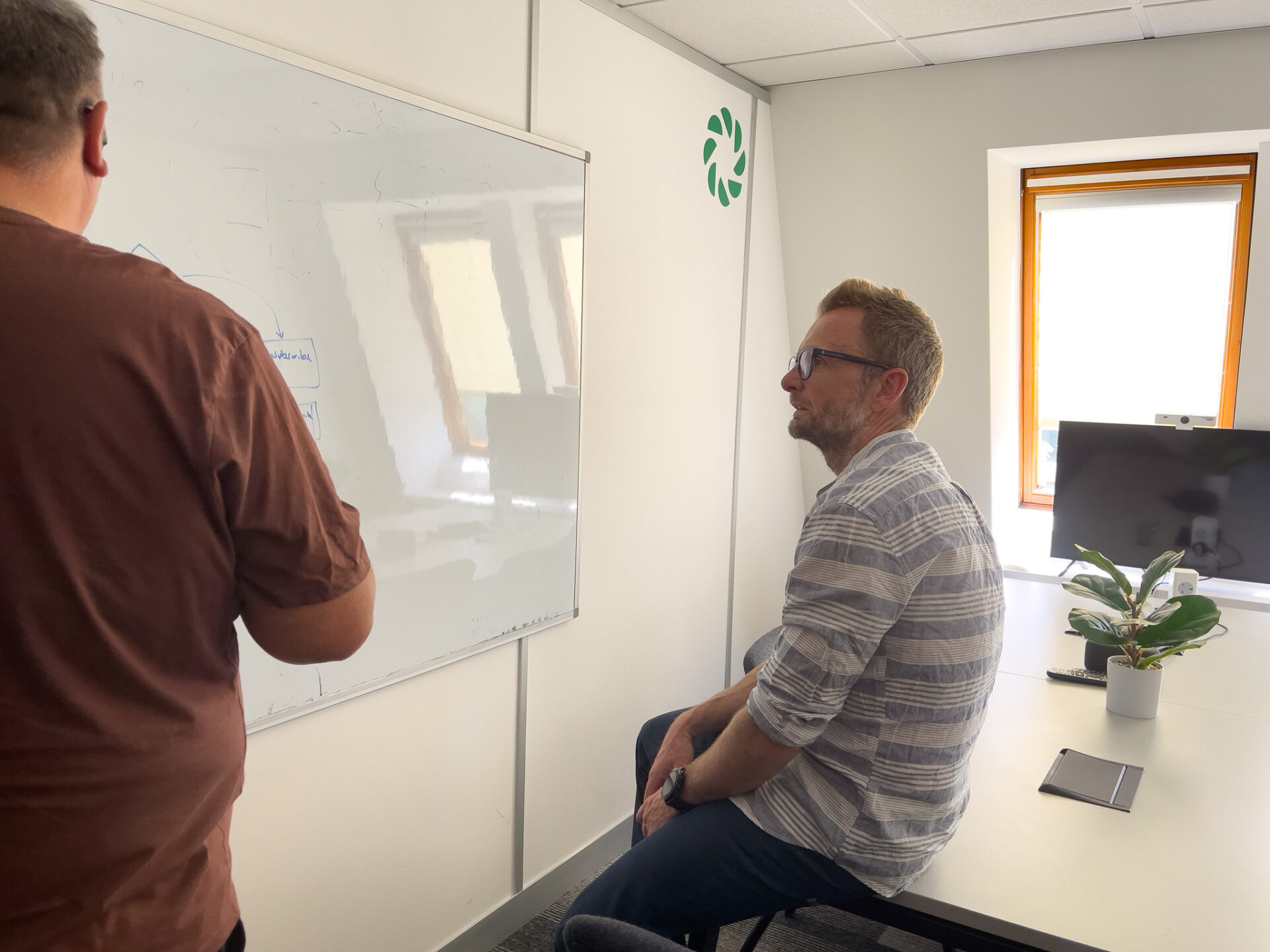
Steve Cornoran is with David Rush - Perform Partners
Change SquadsCloud Platforms and Engineering

The Challenge

The Retail client’s legacy Enterprise Resource Planning (ERP) system — JD Edwards — was identified for migration to Oracle Cloud Infrastructure (OCI) as part of a broader cloud transformation programme aimed at exiting a large legacy data centre. To ensure continued compliance, mitigate emerging risks, and unlock new opportunities, the business sought to modernise its technology landscape.

As a planned workstream within this programme, the migration focused on enhancing infrastructure resilience, improving global scalability, and securing operations for the future. To successfully deliver this critical initiative, the client engaged Perform Partners for their proven expertise in complex cloud migrations and technical transformations.

Our Approach

We provided assurance across all technical, architectural, planning, and delivery activities to enable a successful migration from on-premises infrastructure to Oracle Cloud Infrastructure (OCI). Our role spanned design validation, risk mitigation, and execution oversight, ensuring the solution aligned with best practices for cloud security, resilience, and scalability.

  • Delivered technical and architectural assurance for all design artefacts.
  • Developed a pragmatic migration and cutover plan.
  • Supported detailed risk management and mitigation strategies.
  • Conducted a thorough analysis of existing applications, including 3rd-party integrations, to strengthen the client’s E1 support model.
  • Ensured compliance with best practices in cloud security, resilience, and scalability — all validated by independent 3rd-party penetration testing.


Fast Facts

  • Reduced critical ERP job runtimes from approximately 15 minutes to 1–2 minutes, improving processing speed by over 90%.
  • Cut large batch job runtimes from over 4 hours to around 3 hours, increasing overnight processing efficiency by approximately 25%.
  • Maintained stable performance for non-critical jobs (e.g., MRP processes), ensuring no degradation despite the infrastructure shift.
01
02
03
04
05

Looking for project support? Let's talk...

// Function to create HubSpot form with custom styles and scrolling fix function createCustomForm() { // Create the HubSpot form hbspt.forms.create({ region: "na1", portalId: "6882211", formId: "c08eb813-4605-441b-b923-dbfe6422f092", onFormReady: function ($form) { // Define custom styles var customStyles = ` /* Adjusting height and padding for form fields */ .hs-form input[type="text"], .hs-form textarea, .hs-form input[type="email"] { height: 80px; padding-right: 20px; background-color: rgba(32, 48, 49, .05); /* Set background color */ border: none; /* Remove border */ }/* Adjusting height and padding for the "How can we help" textarea */ .hs-form textarea.hs-input { min-height: 257px; padding: 32px 20px; background-color: rgba(32, 48, 49, .05); /* Set background color */ border: none; /* Remove border */ }/* Making the submit button span the full width */ .hs-form .actions input[type="submit"] { width: 100%; background-color: #203031; /* Charleston Green */ color: white; border: none; /* Remove border */ padding: 20px; border-radius: 40px; /* Set border radius */ cursor: pointer; position: relative; /* Set position to relative to position the arrow */ z-index: 1; /* Ensure the button sits above the arrow */ }/* Apply sticky positioning */ .hs-form.sticky { position: sticky; top: 0; z-index: 9999; }/* Placeholder for fixed form position */ .form-placeholder { display: none; } `;// Create a style element var styleElement = document.createElement('style'); styleElement.innerHTML = customStyles;// Insert the style element $form.prepend(styleElement);// Create a placeholder element var placeholder = $('
').css({ height: $form.outerHeight() }); $form.before(placeholder);// Function to handle scrolling function handleScroll() { var formOffset = $form.offset().top; var scrollPos = $(window).scrollTop(); if (scrollPos > formOffset) { $form.addClass('sticky'); placeholder.show(); } else { $form.removeClass('sticky'); placeholder.hide(); } }// Call handleScroll on page load handleScroll();// Add scroll event listener to fix scrolling glitch $(window).on('scroll', handleScroll); } }); }// Call function to create custom form createCustomForm();